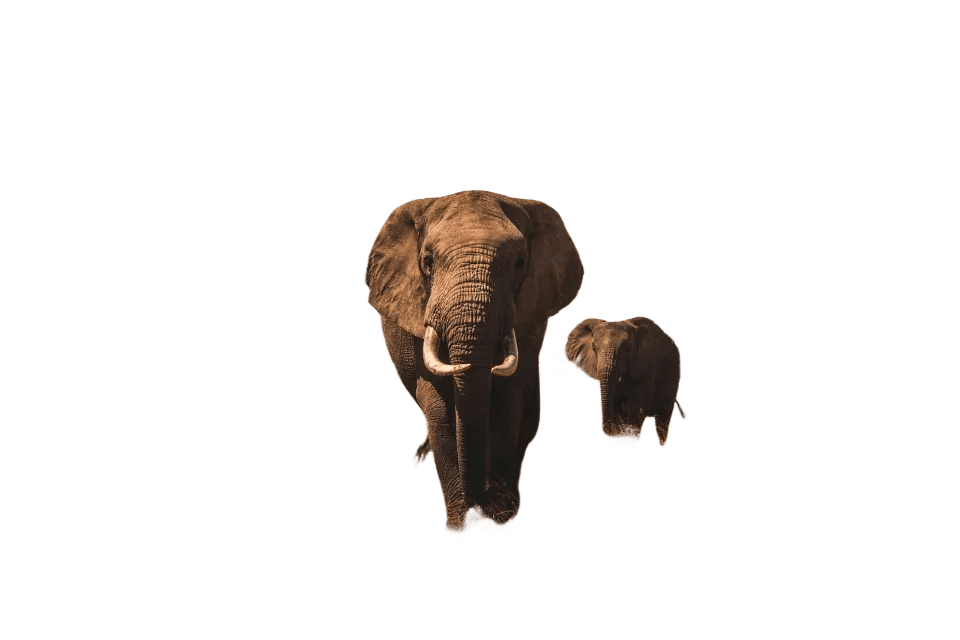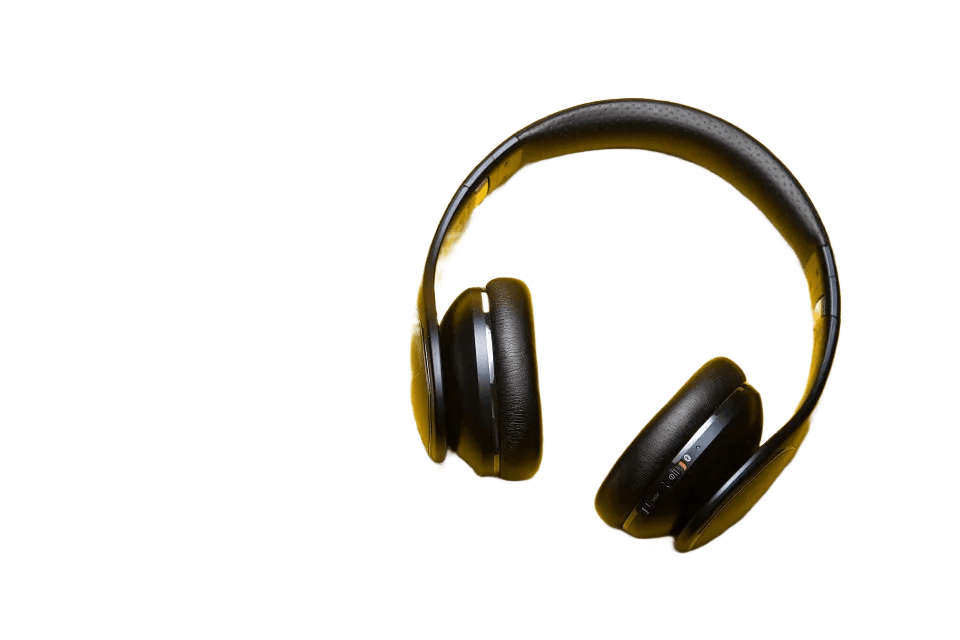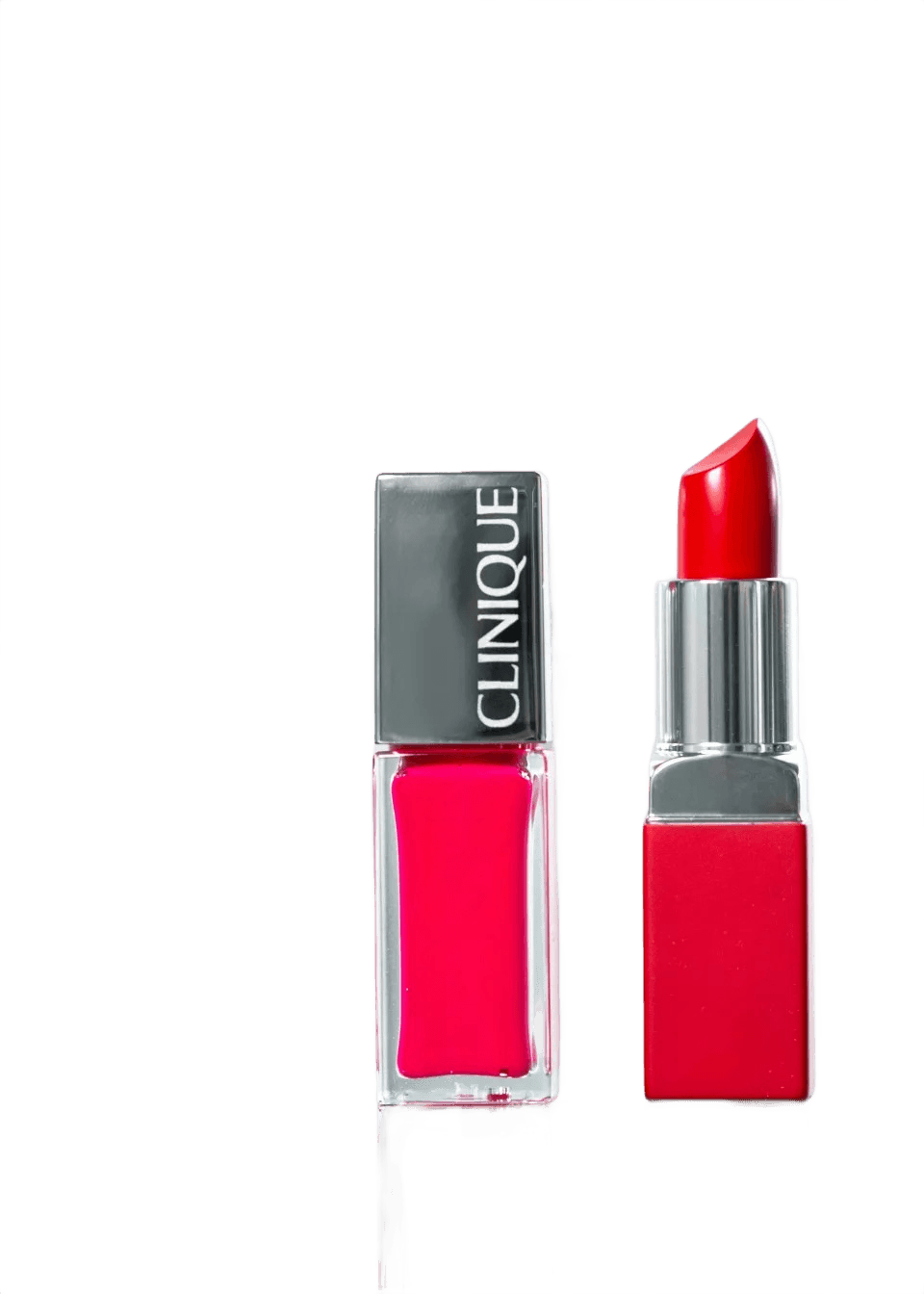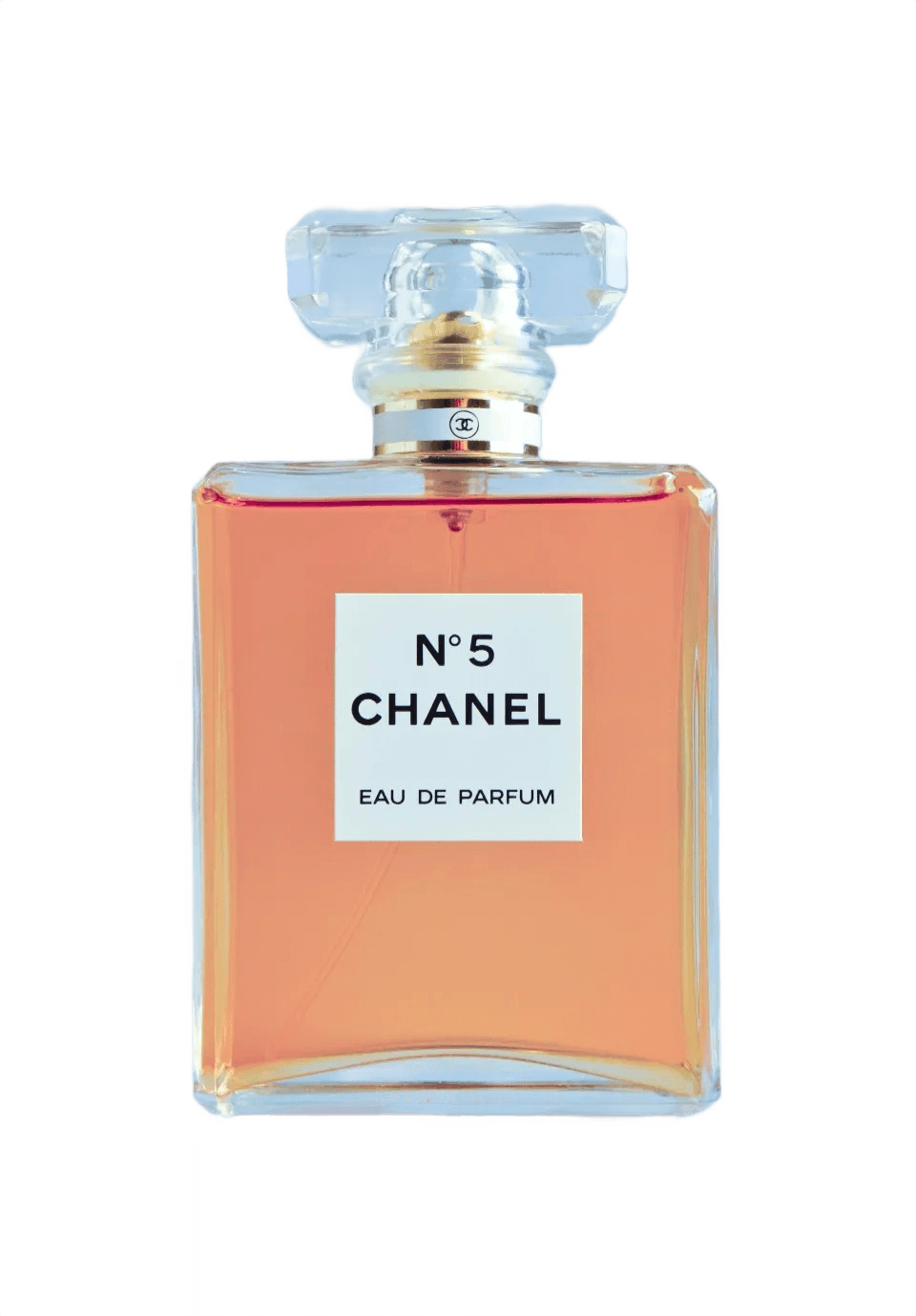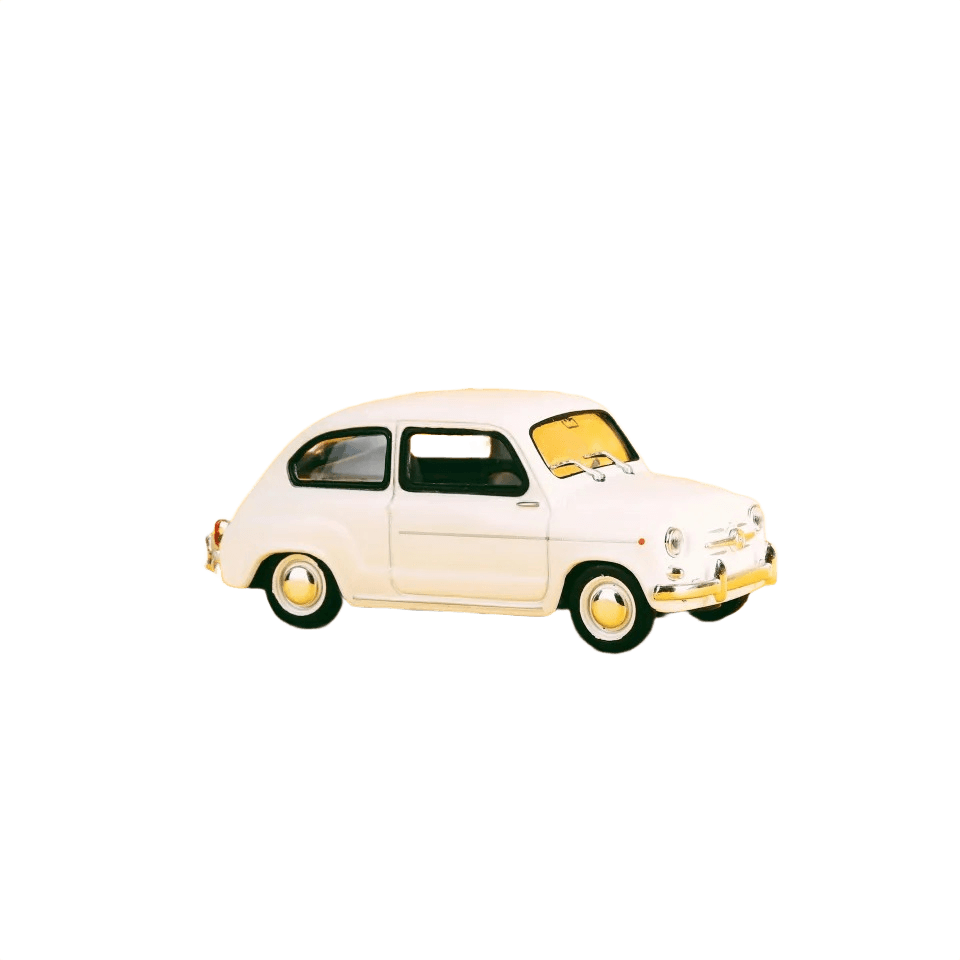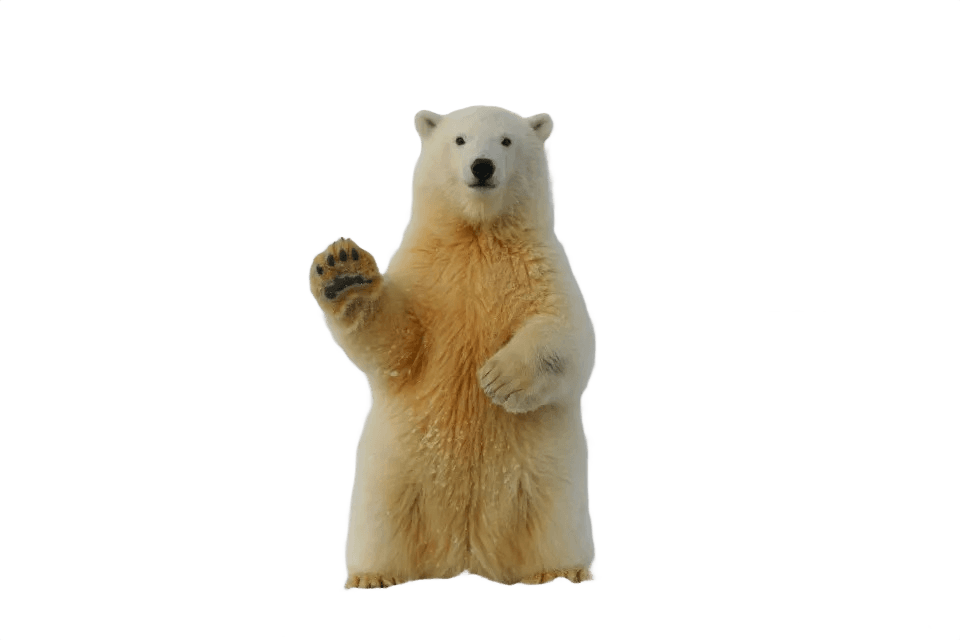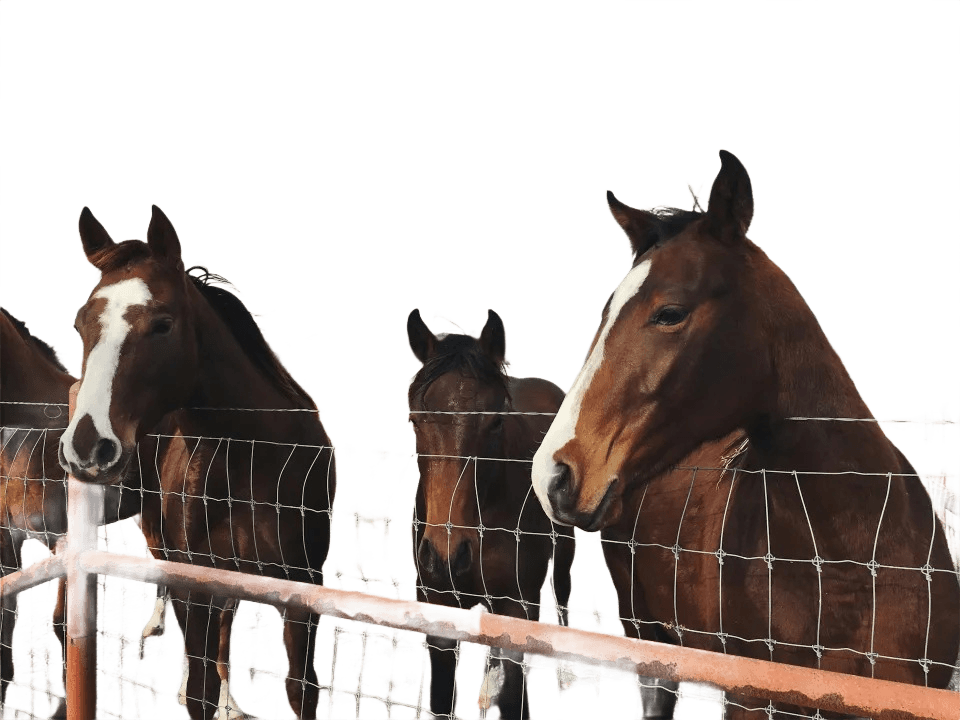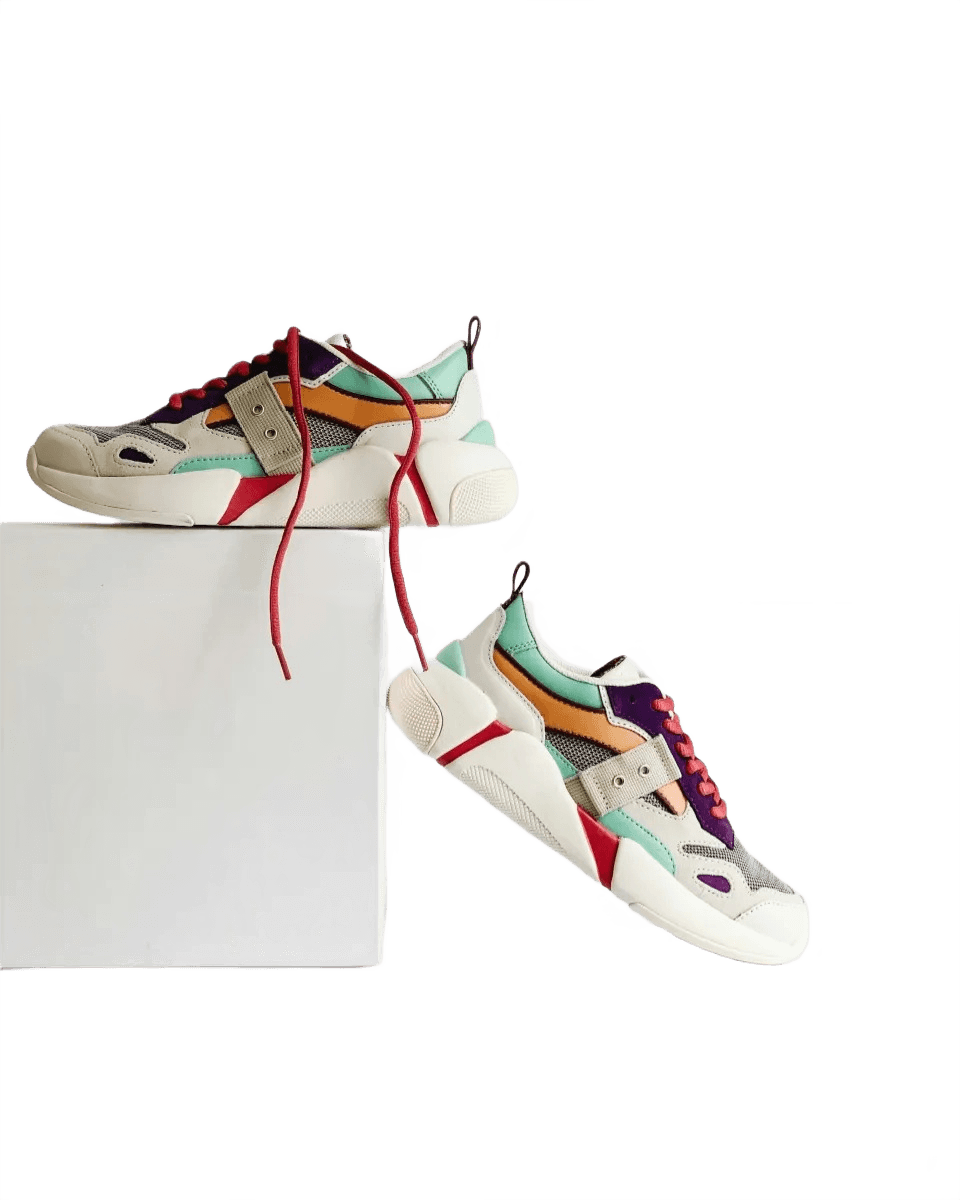
Give product photos a matching background
Choose the photos for a listing and select Remove Background. Pick a color once to apply it to every PNG in the ZIP. White works well for a catalog on a white page.
Choose product photos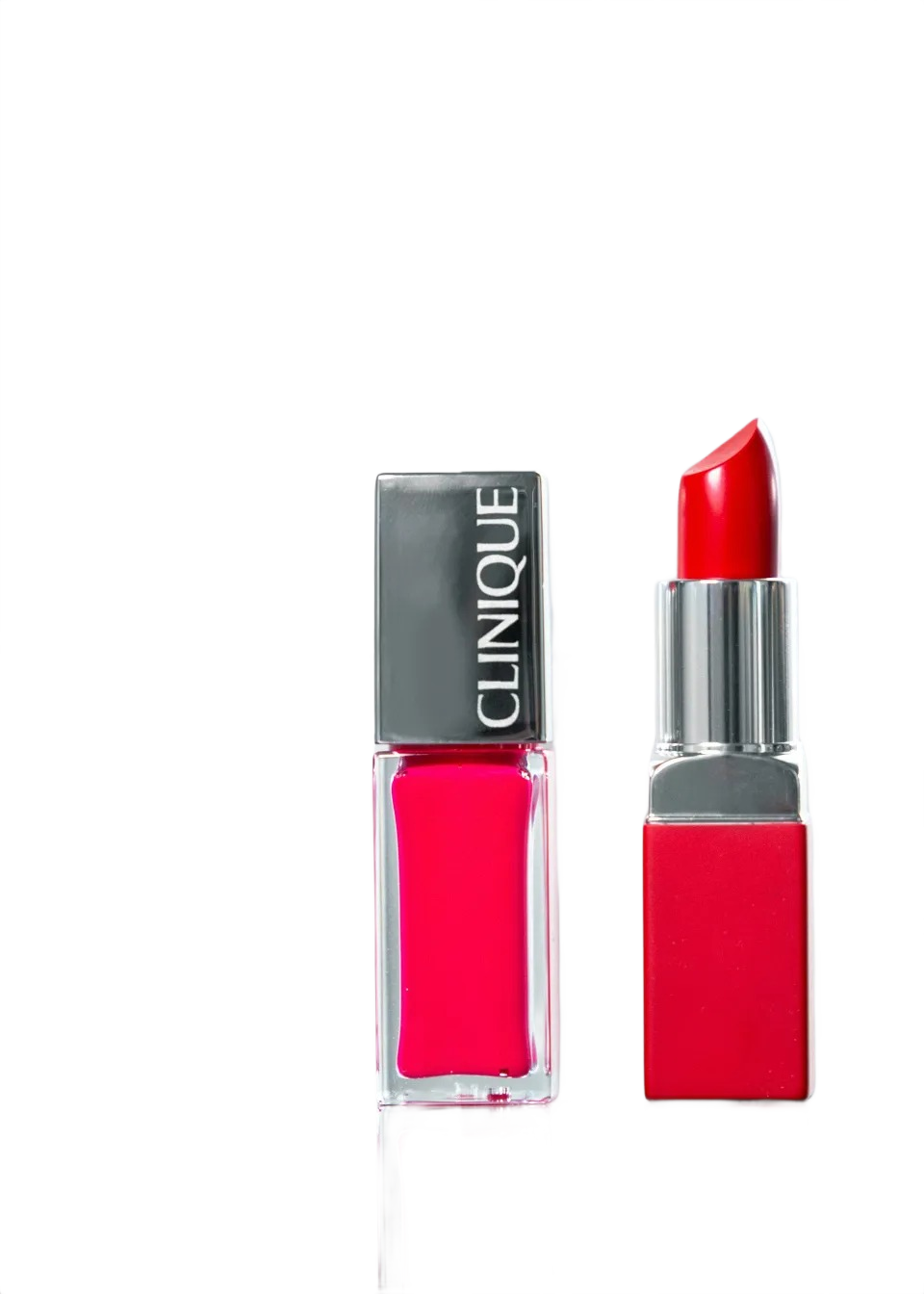
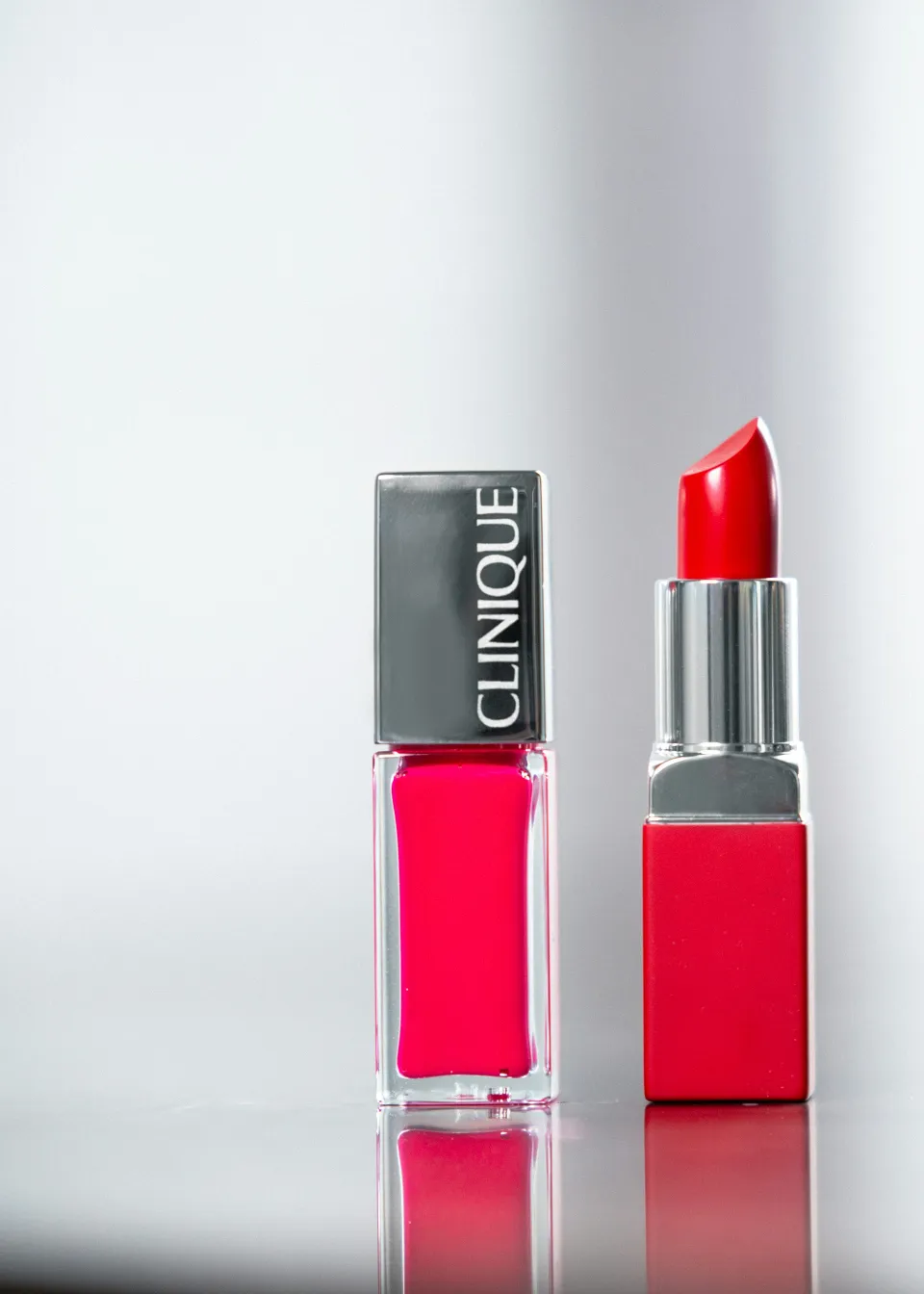 BeforeAfter
Remove the background from one photo or a batch of up to 20. Download each cutout as a transparent PNG, or give the whole batch a matching background color. No account needed.
Try a sample
Choose the photos for a listing and select Remove Background. Pick a color once to apply it to every PNG in the ZIP. White works well for a catalog on a white page.
Choose product photosBeforeAfterLeave the checkerboard selected when you download your PNG. Place the logo over a colored slide or a website header and the color will show through around it.
Try a sample image
 BeforeAfter
Fine details can blend into the original background. Try a contrasting color behind the cutout to see which parts of the outline the tool kept.
Try your own photo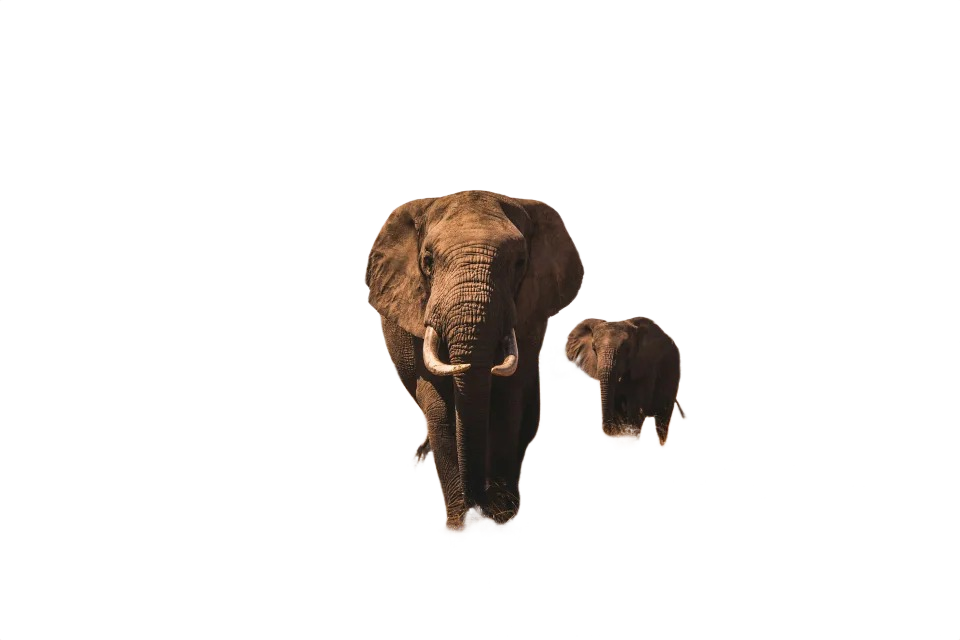
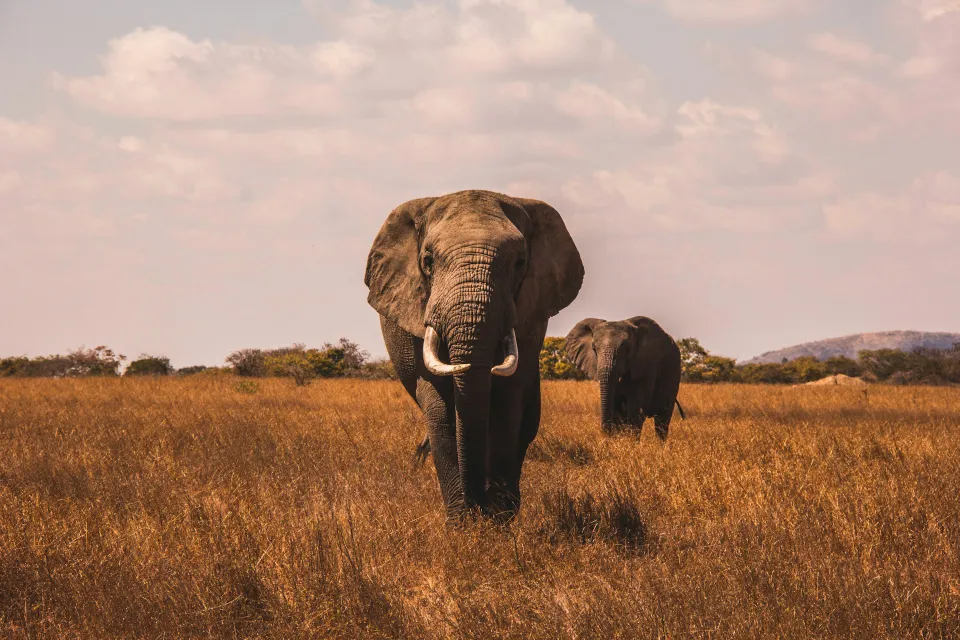 BeforeAfter
Check which photos you can upload and how to save the results.
Choose JPG, PNG or WebP files up to 10 MB each.
Add up to 20 images at a time. You can mix file types in the same batch.
Before upload, BgEraser scales photos larger than 3,000 pixels on the longest side to fit that limit, keeping their proportions.
Use the checkerboard for transparency, choose a preset, or pick a custom color.
Use the download button on a finished image to save just that cutout.
Select Download ZIP to save all completed PNGs together.
Find out what happens to large photos, how transparency works, and how long BgEraser keeps your files.
Choose an image and select Remove Background. BgEraser detects the subject automatically. Download the finished PNG to use the cutout in another design.
BgEraser accepts up to 20 images per batch. Choose Download ZIP to save the completed PNGs together.
BgEraser accepts JPG, PNG and WebP images up to 10 MB each. Downloads are PNG files, including when the original is a JPG.
Yes. You can upload photos, remove backgrounds and download the results for free without signing in.
BgEraser normally deletes uploaded images and results from its servers within two hours after processing. The Privacy Policy describes exceptions for security investigations, abuse prevention and legal obligations.
BgEraser resizes images over 3,000 pixels on the longest side before upload. For example, a 4,000 × 3,000 photo is resized to 3,000 × 2,250.
The checkerboard marks transparent areas in the preview. Leave transparency selected to save a PNG that takes on the background of the page or design beneath it.
Remove the background, select white in the background color controls, then download the PNG. The selected color also applies to images downloaded together in a ZIP.
Yes, if you have the rights to edit the original photo and use it commercially. You retain ownership of the content you upload.
Compare the original photos with their cutouts. Use the button on each image to switch views.