Remove backgrounds instantly with AI

BgEraser turns photos, product shots, portraits, and batch uploads into clean transparent PNG images. No sign up, no usage limits, and uploaded files are deleted within 2 hours.

Drop images, remove bg in batch

JPG, PNG, WebP supported/Up to 20 images/Auto-deleted in 2 hours

Try a sample

Launch products faster with batch background removal

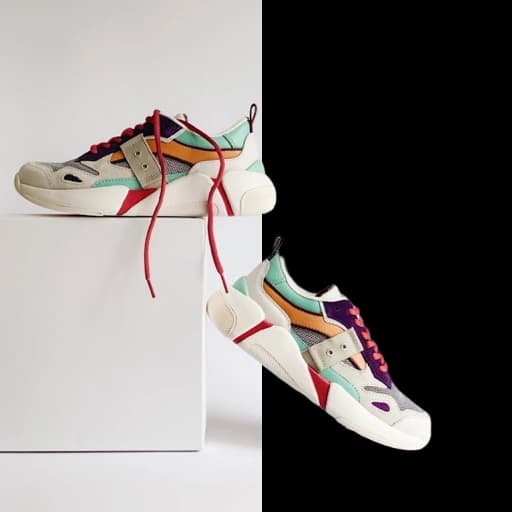
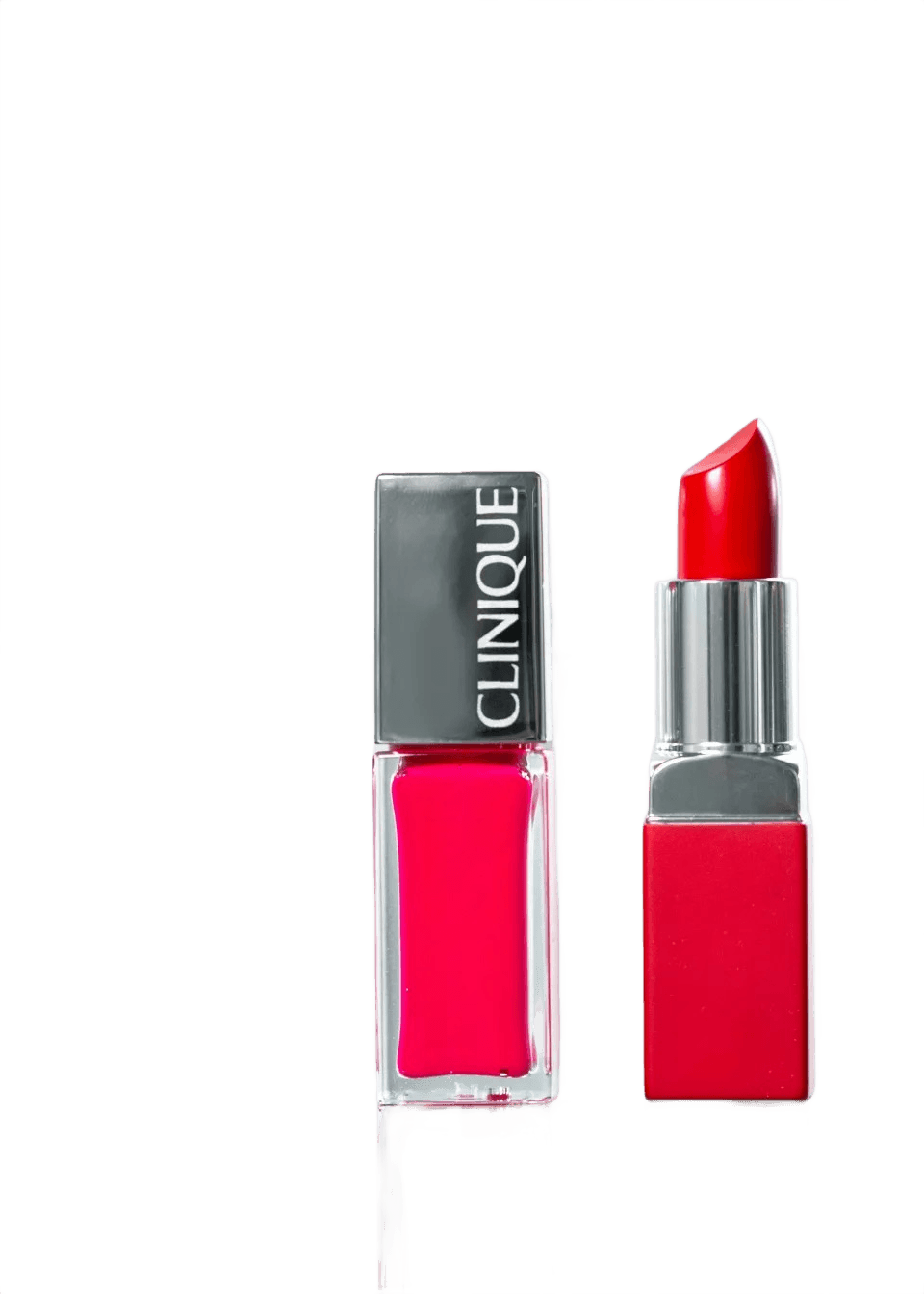
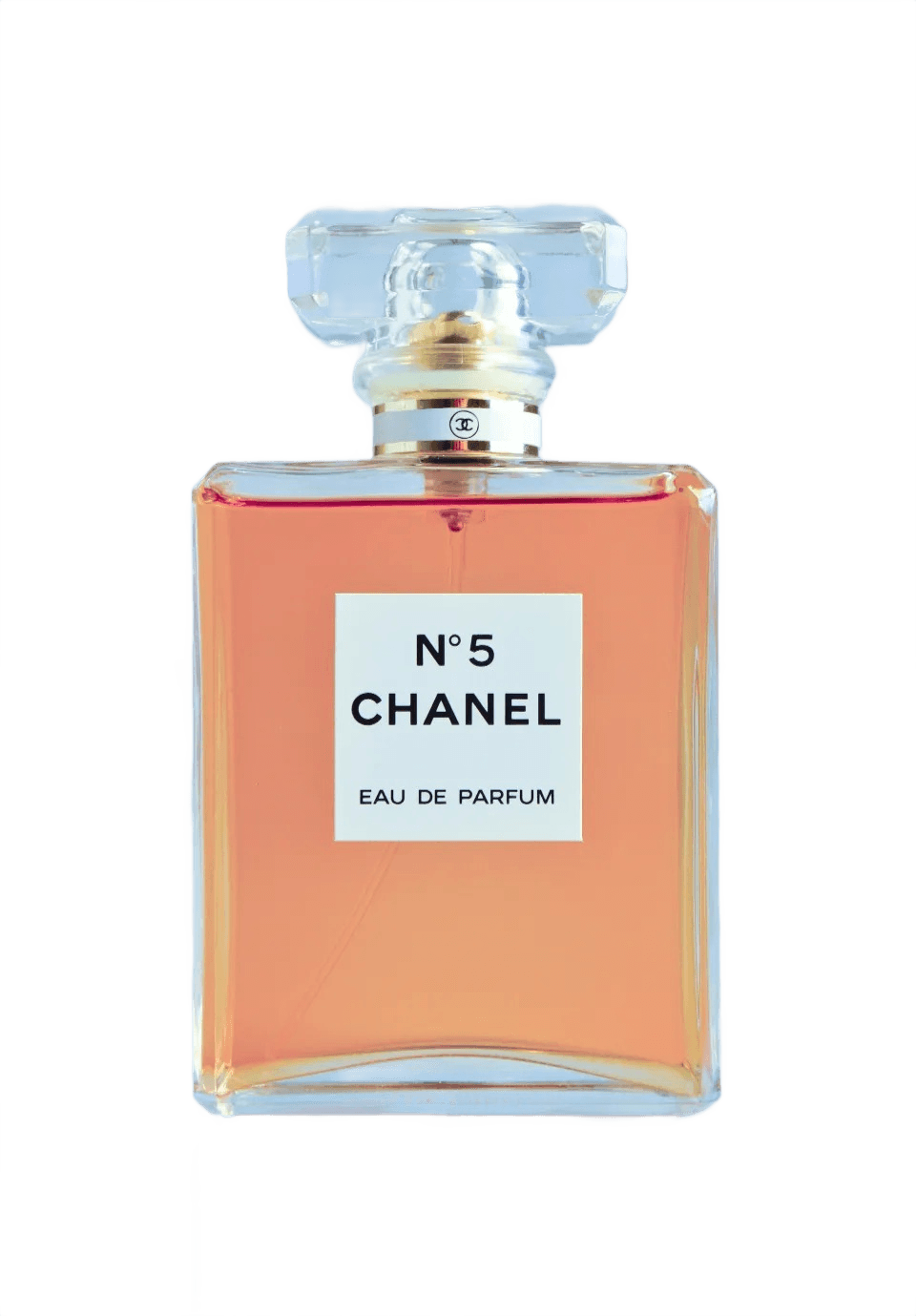
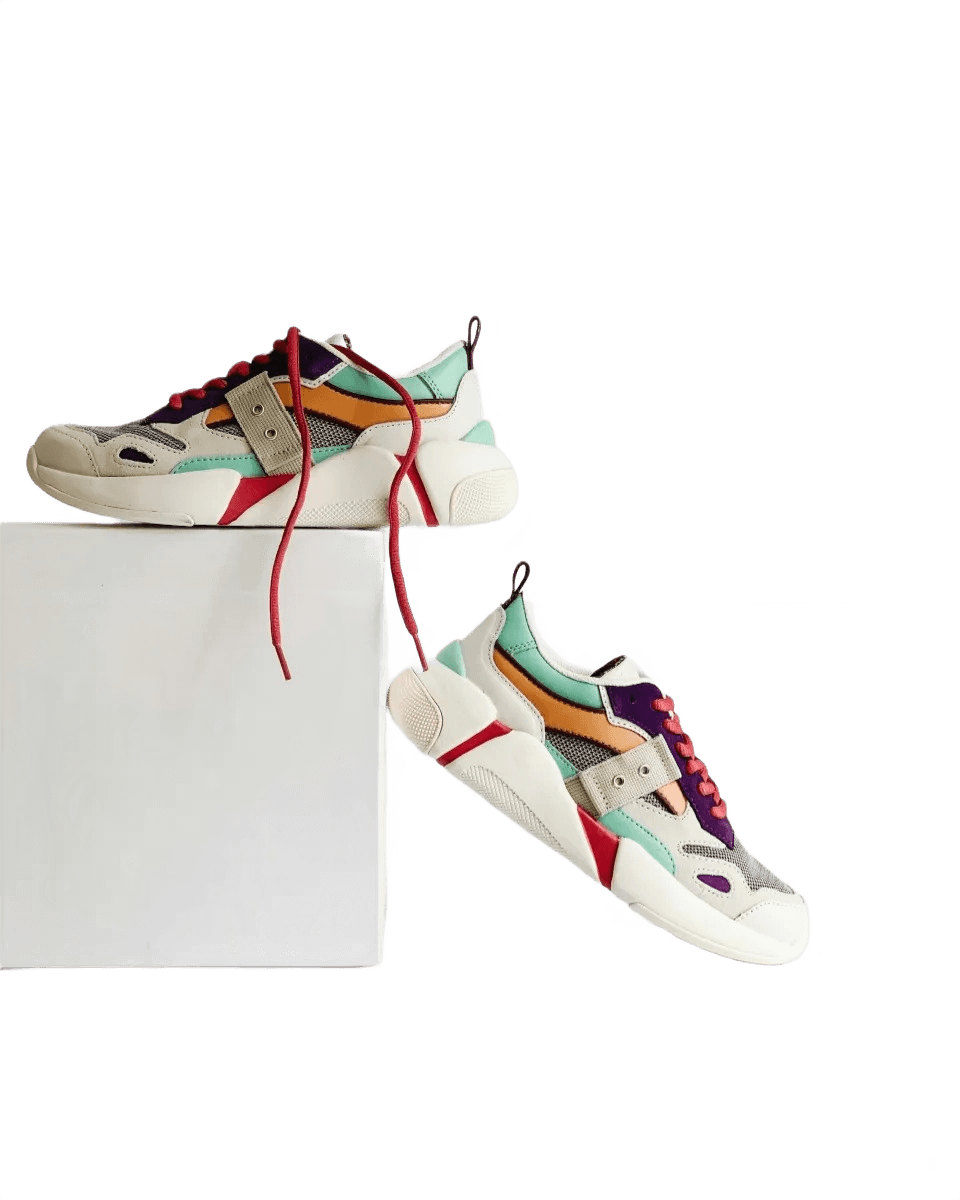
Upload up to 20 product photos at once and let BgEraser remove image backgrounds in the same workspace. Prepare clean catalog assets, marketplace listings, and launch visuals without repeating the same edit one file at a time.

Start a batch
Launch products faster with batch background removal afterLaunch products faster with batch background removal beforeBeforeAfter

Create clean, professional images in seconds

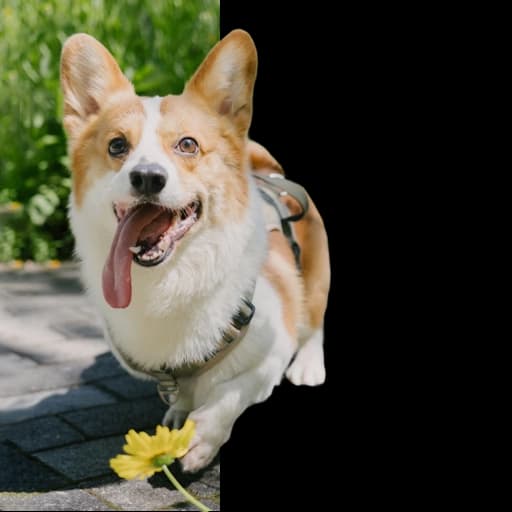
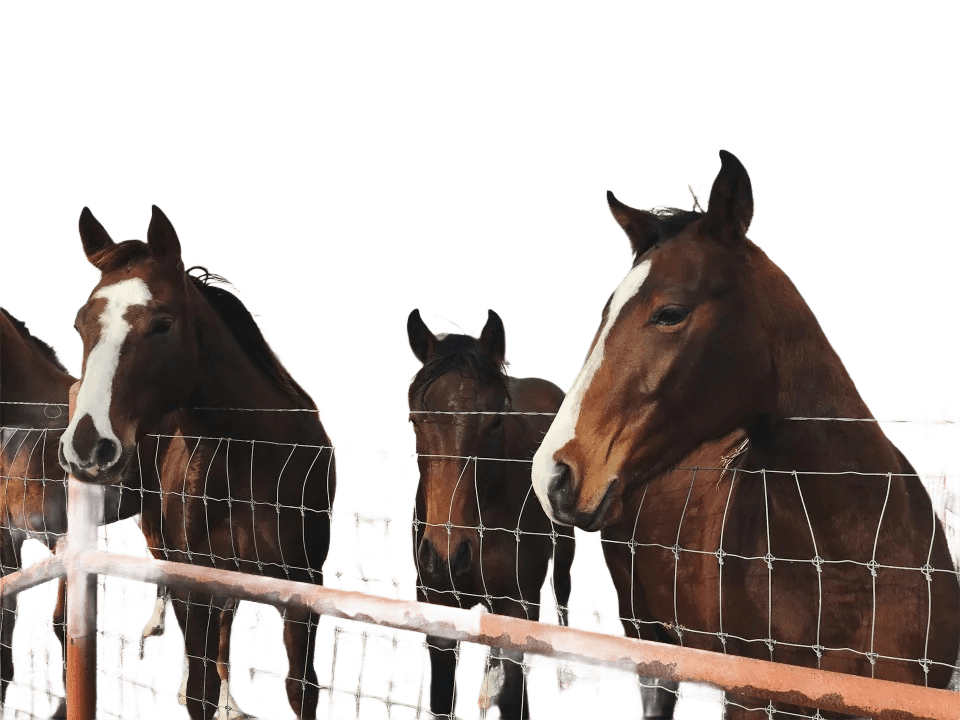
Turn portraits, logos, pets, apparel, and everyday photos into transparent PNG images that are ready for stores, social posts, presentations, profile pictures, and design mockups.

Try a sample
Create clean, professional images in seconds afterCreate clean, professional images in seconds beforeBeforeAfter

Private background erasing with no account required

Use the background eraser directly in your browser without registration. Uploaded images and generated results are automatically removed within 2 hours to reduce long-term file storage and protect your privacy.

Upload images
Private background erasing with no account required afterPrivate background erasing with no account required beforeBeforeAfter

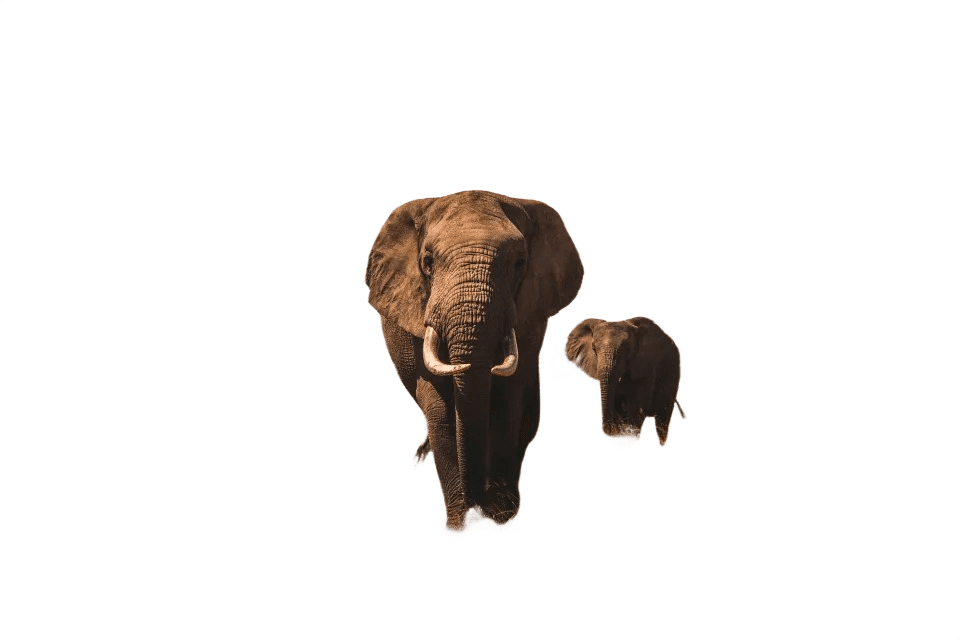
Background Eraser Results

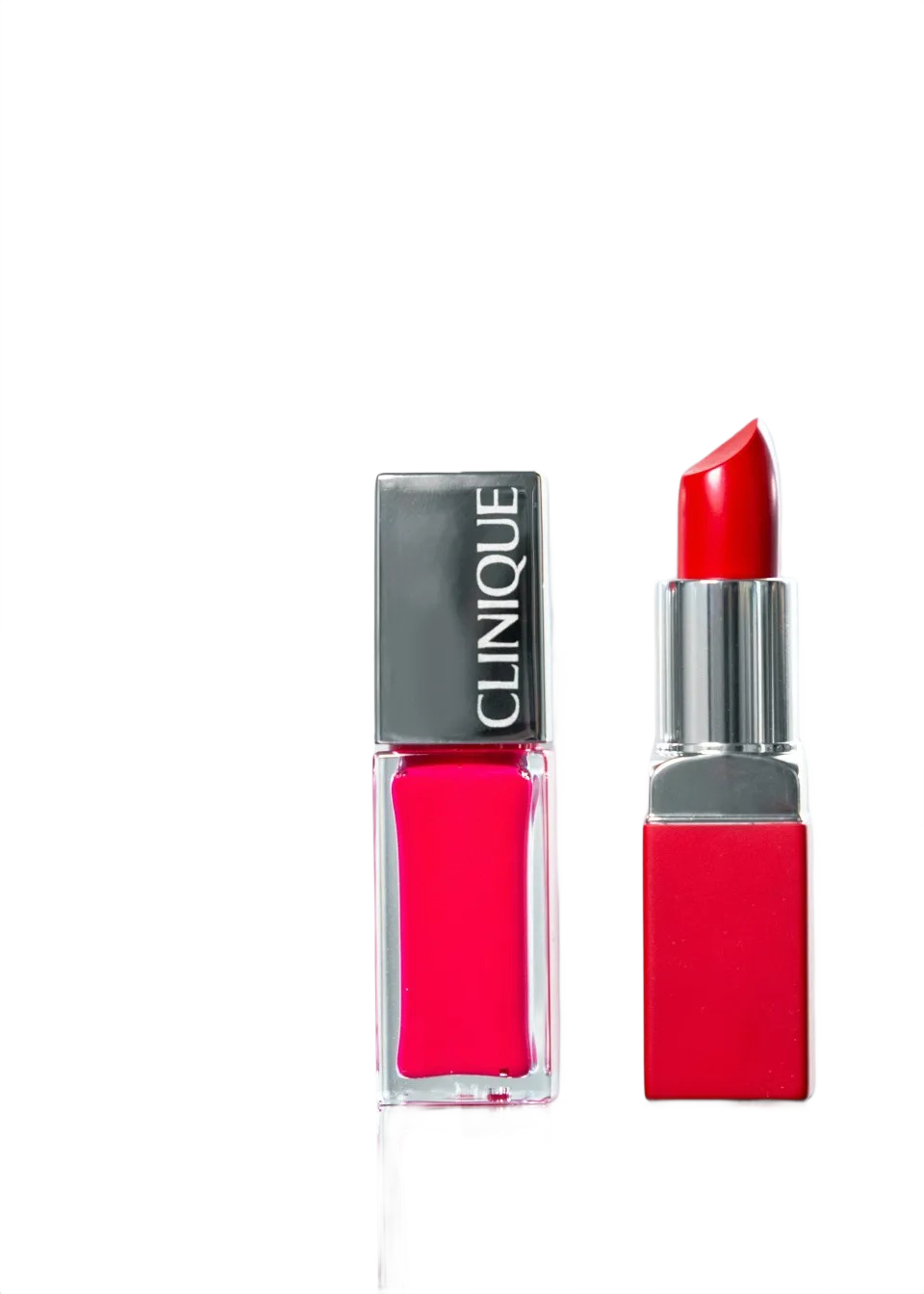
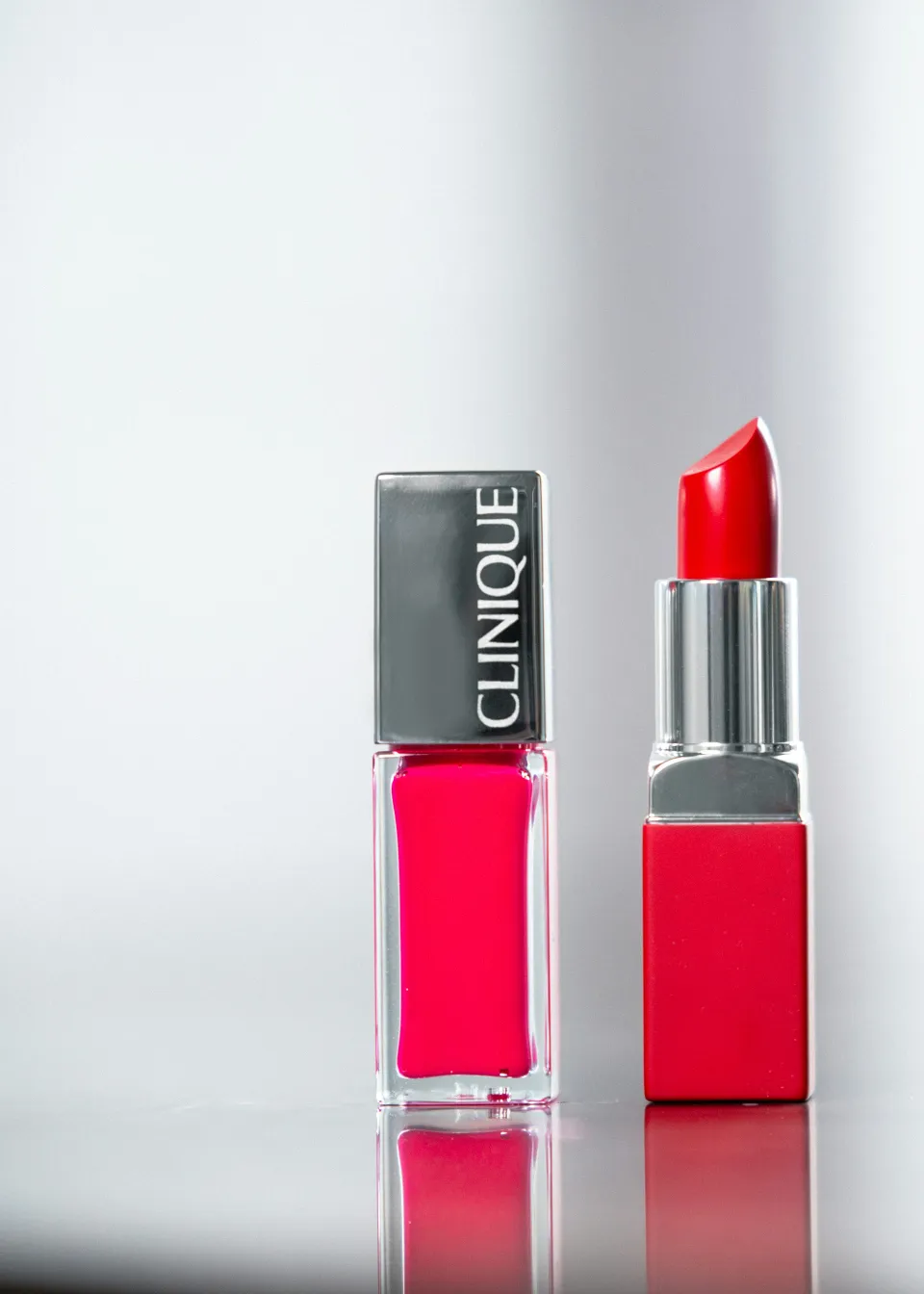
See how BgEraser removes backgrounds from portraits, products, logos, and everyday images while keeping the subject ready for reuse.

Background removed sample

A simpler background eraser for everyday production

Everything needed to remove backgrounds online, prepare transparent images, and download polished results without opening heavy design software.

AI Background Eraser

Remove background from images with AI that separates the subject and keeps clean edges for portraits, products, and graphics.

Batch Remove Background

Upload multiple JPG, PNG, or WebP files and process them together instead of repeating the same background eraser workflow one by one.

Transparent PNG Output

Download clean transparent PNG images ready for ecommerce, design mockups, profile photos, listings, and presentations.

Replace Background Color

Keep transparency or apply a solid background color before downloading your processed images.

Free and No Sign Up

Use the online background eraser without creating an account, installing software, or dealing with complicated editing tools.

Privacy-Friendly Cleanup

Uploaded images and generated results are removed within 2 hours, helping keep your background removal work private.


Background Eraser FAQ

Answers to common questions about BgEraser, batch background removal, transparent PNG downloads, privacy, and supported files.

01What is BgEraser?

BgEraser is a free online background eraser that removes backgrounds from images and turns them into clean transparent PNG results.

02Can I remove backgrounds from multiple images at once?

Yes. BgEraser supports batch background removal, so you can upload multiple images in one session and download the processed results together as a ZIP file.

03What image formats does BgEraser support?

BgEraser supports JPG, PNG, and WebP uploads. Processed images are downloaded as PNG files so transparent backgrounds are preserved.

04Do I need to create an account?

No. You can use BgEraser without sign up, login, or software installation.

05How does BgEraser protect my privacy?

Uploaded images and generated results are removed within 2 hours. This helps keep your background removal work private and reduces long-term file storage.

06What kinds of images work best?

BgEraser works well for product photos, portraits, logos, profile pictures, ecommerce images, social posts, and many other subject-focused images.

07How accurate is BgEraser on complex backgrounds?

BgEraser is designed to handle many complex backgrounds and preserve subject edges. Higher-resolution images with a clear subject usually produce the best results.

08Can I replace the background after removing it?

Yes. You can keep the transparent background or apply a solid background color before downloading.

09Are processed images free for commercial use?

You can use processed images for product listings, marketing assets, profile photos, presentations, and other commercial projects.